
Reader-supported: Cruise Discover may earn a commission from some links in this guide, including as an Amazon Associate, at no extra cost to you. How this works
Phones behave differently at sea. Once the ship is away from land, your phone can connect to the ship’s own cellular network, which is billed by your carrier at maritime roaming rates. Those rates can be very high, and they often aren’t covered by the international plans that work fine on land. A few minutes of setup before you sail avoids the problem completely.
Before you leave home
- Call or check your carrier’s app. Ask specifically about cruise ships, not just “international”. Some carriers offer a cruise add-on; others simply charge per minute and per megabyte at sea.
- Decide how you’ll get online on board. For most people that’s the ship’s Wi-Fi package.
- Download what you need offline: maps for your ports, boarding passes, your line’s app, entertainment for sea days.
On board: the settings that matter
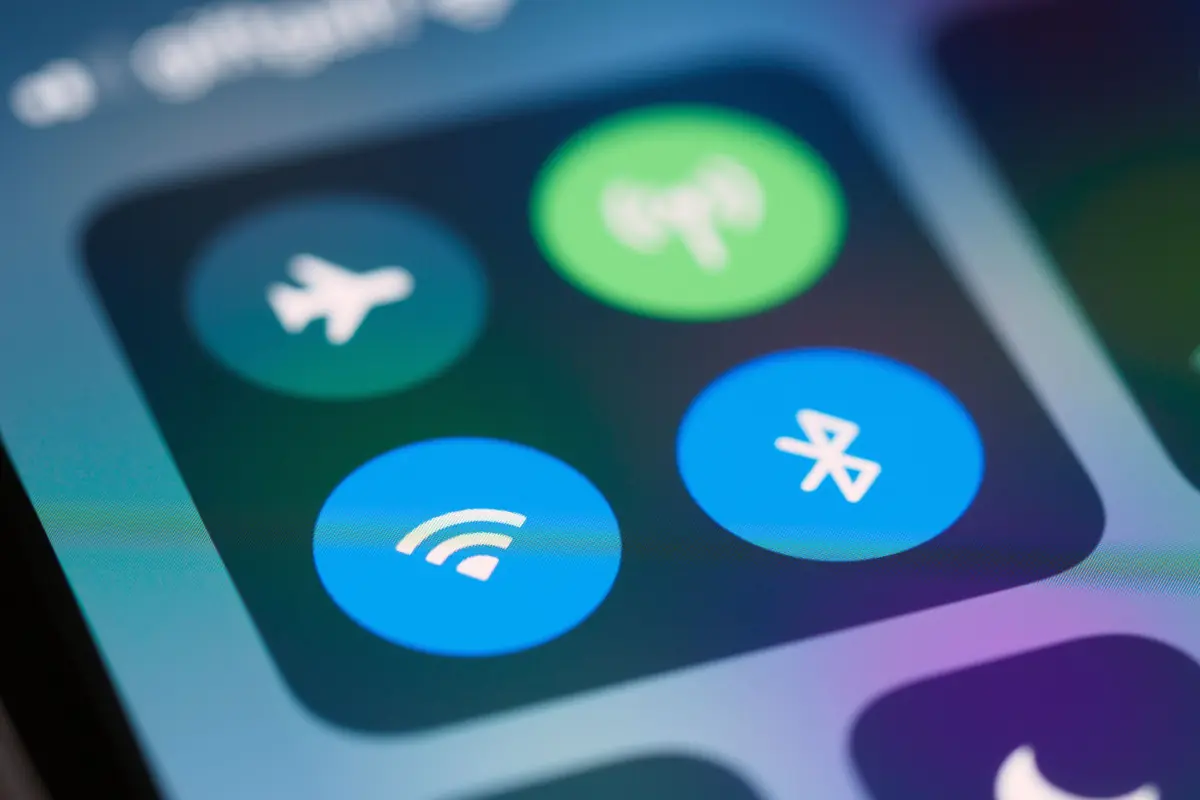
- Turn on airplane mode when you board, then switch Wi-Fi back on. That stops the phone using the ship’s cellular network while still letting you use ship Wi-Fi.
- Turn off data roaming as a second safeguard.
- Turn off automatic app updates and photo backups if you’re on a limited Wi-Fi package.
Your line’s app usually works over the ship’s Wi-Fi without a paid internet package, for the daily schedule, deck plans and onboard messaging. Check what your line includes.
Ship Wi-Fi
Many lines now use satellite systems that make onboard internet much faster than it was a few years ago, good enough for video calls on many ships. Packages are usually sold per device, and buying before you sail is often cheaper than buying on board. If you want to share one package across devices, read whether you can hotspot cruise Wi-Fi first, since most lines don’t allow it. For line-specific prices, see MSC Wi-Fi packages.
In port: eSIMs and roaming plans
Once you’re in port and connected to a land network, normal roaming applies, and that’s where an eSIM or your carrier’s international plan can help. An eSIM for the countries you’re visiting is often cheaper than a roaming plan for a Mediterranean or Northern Europe itinerary. Just remember to switch back to airplane mode with Wi-Fi when the ship leaves. More in my guides to the best eSIM for cruises and eSIMs for the Mediterranean.
Charging
Cabins rarely have many sockets, and some ships have a mix of US and European ones. Bring a USB charging cube and an adapter if you need one, but leave surge-protected power strips at home, because cruise lines ban them. My guide to MSC power outlets shows what to expect.
The quick checklist
- Airplane mode on, Wi-Fi on, as soon as you board
- Data roaming off
- Offline maps downloaded
- Wi-Fi package bought before you sail, if you need one
- eSIM or roaming plan sorted for port days